Door intercom system
Accessible everywhere
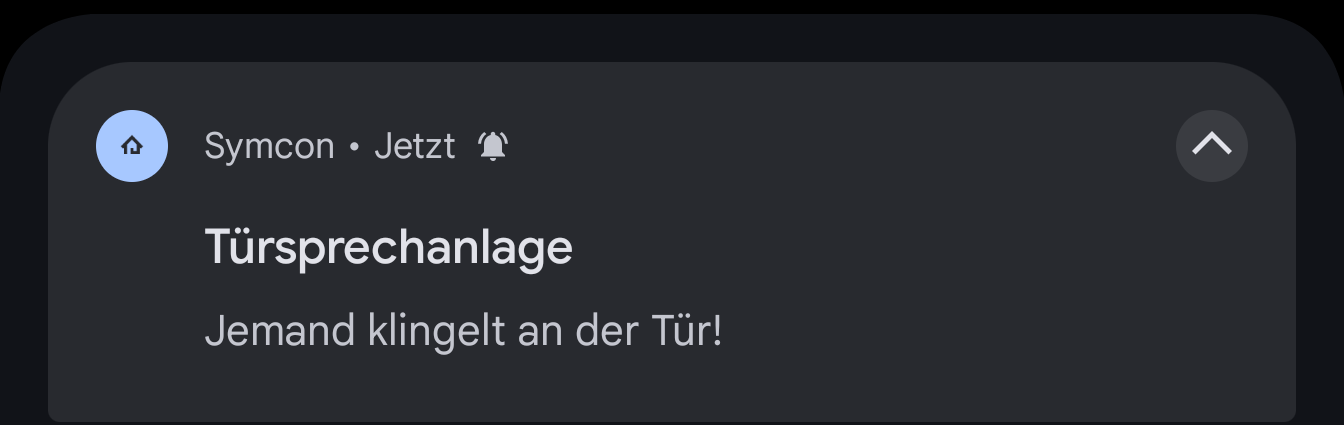
Push notifications can also be used to answer a call and perform actions at any time via the app.
Own actions
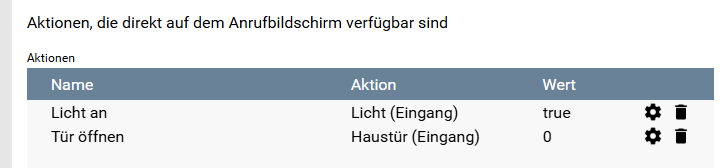
The actions that can be executed during a call can be freely defined. For example, variables can be set to any value or automations can be executed.
External camera
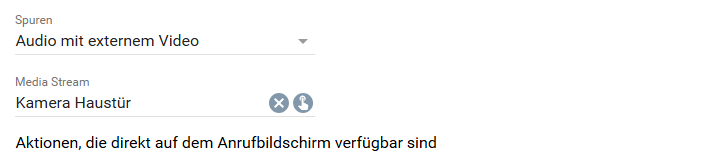
If a device only offers audio transmission, any RTSP stream can be displayed when the call is answered.
Automations and call list
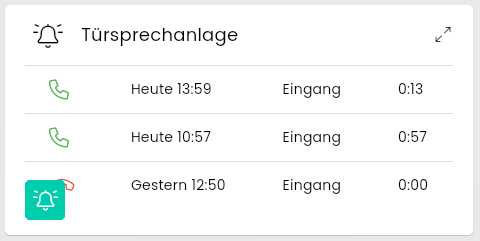
All calls are saved in a call list that is displayed in the visualization, regardless of their status. A "Do not disturb" mode can be activated in the visualization. The visualization then no longer plays a ringtone and the call dialog is no longer displayed. Calls can still be accepted directly via the tile.