Documentation
PDFReport (Multi Energy)
Require: Symcon >= 5.5
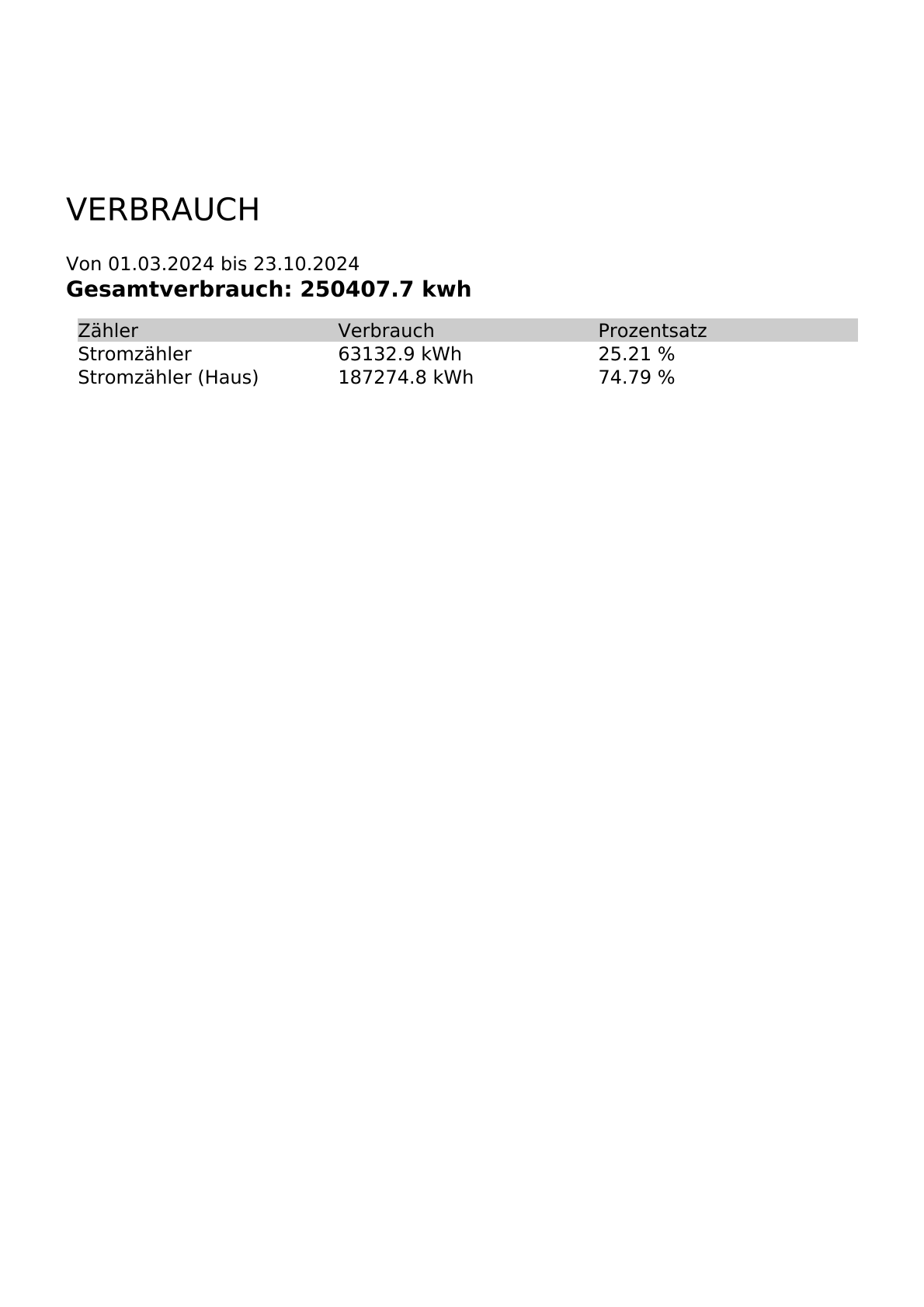
This module offers the function of displaying the total consumption of the selected variables as well as the individual consumption in the time period.
scope of functions
- Enables the creation and download of created PDFs.
- Setting via instance configuration
Installation
The module can be found via the Module Store under the category "Information"=>"Preparation" or directly by searching for "Report module". The "Install" button makes the module available to IP-Symcon.
Setting up the instances in IP-Symcon
- Under "Add instance", the 'Report (PDF, Energy)' module can be found using the quick filter.
- Further information on adding instances can be found in the Instances documentation
Configuration page
| Name | Description |
|---|---|
| Aggregation Level | Selection of the level of detail of the data used |
| Decimal Separator | Selection of how the decimal separator should be displayed |
| Energy Counters | List of energy counters to be used |
Example document
Status variables
The status variables/categories are created automatically. Deleting individual ones can lead to malfunctions.
Status variables
The PDF is generated as a "Report (PDF)".
| Name | Type | Description |
|---|---|---|
| Start | Integer | Specifies the start date from which the data should be used |
| End | Integer | Specifies the end date until when the data should be used |
| Generate | Script | Executable to update the PDF |
| Report (PDF) | Media | Created PDF, which can be downloaded via the visualization or sent by e-mail. |
Visualization
The start and end date can be entered via the visualization and the PDF can be generated and downloaded.