Documentation
Catan
content
Installation

Symcon can also be purchased and installed via the PLCnext Store.
Download: Appfile (64-Bit)
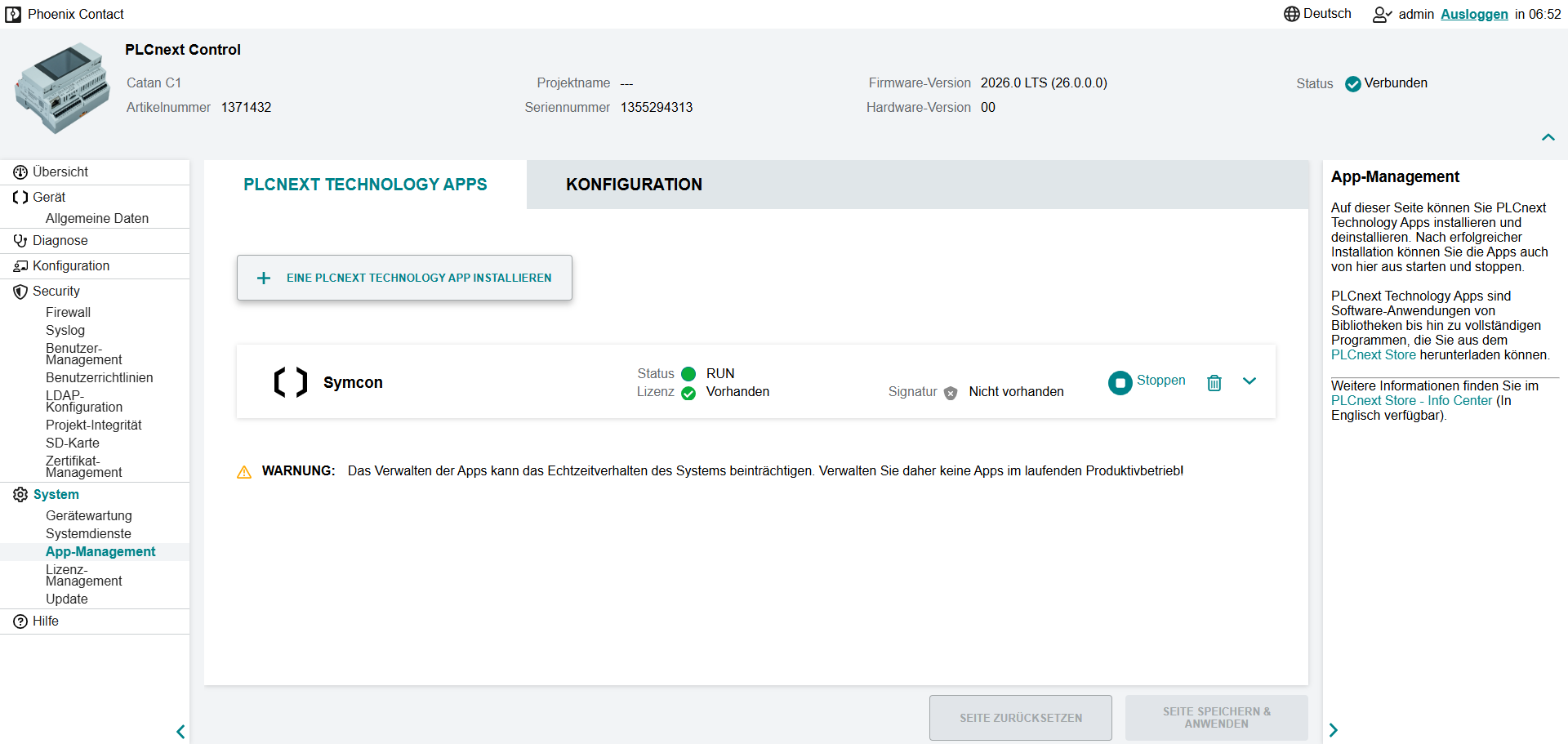
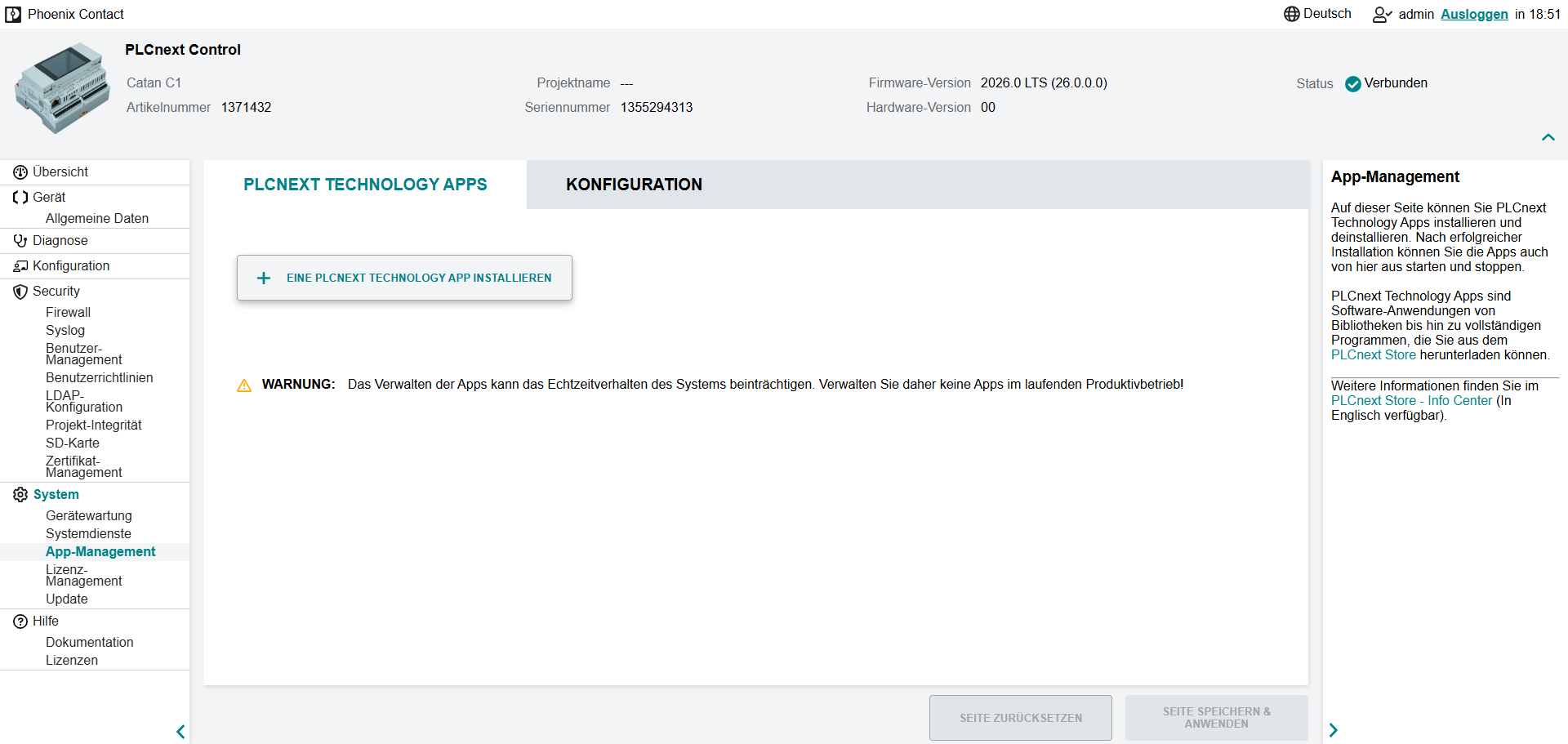
Symcon is installed as a PLCnext Technology App. The installation is carried out in WBM under Settings -> App Management. The option "Only allow signed apps" must first be deactivated under Configuration. The Symcon app file can now be installed using the corresponding button.
Once the process is complete, the web-based Management console can be accessed via http://ipadresse:3777/console/. There you can change the License in the information menu at the top right.
A description of the special functions can be found here.
Update
Current version: App file (64-bit)
To install an update, the .app file of the latest version must be reinstalled. Symcon is restarted during the installation. All data is retained.
Uninstall
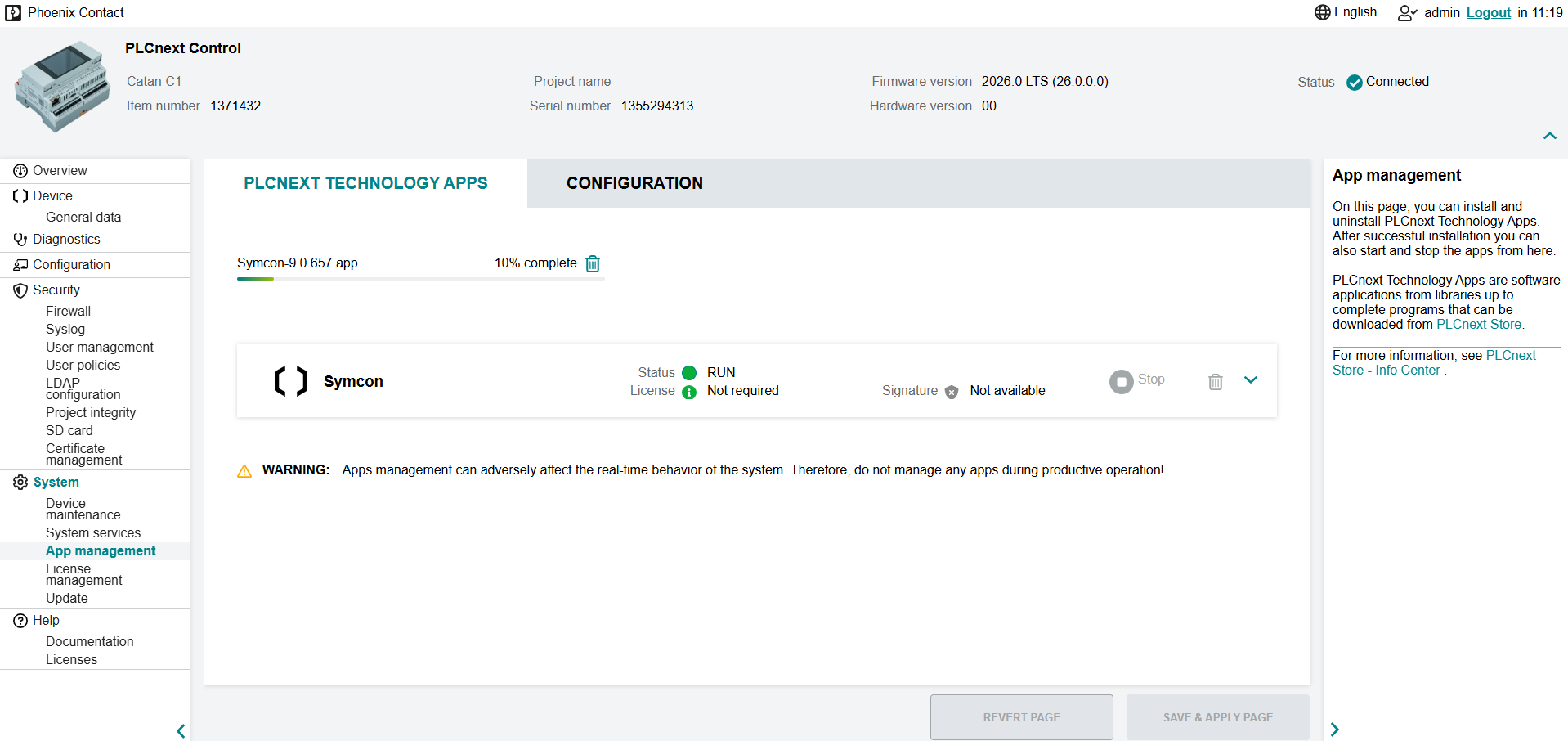
Symcon can be uninstalled via the WBM under Settings -> App Management. To do this, the Symcon app must be selected. The uninstallation can be started via the trash can icon. All data will be lost when uninstalling.