Documentation
ColumnLayout
Require: Symcon >= 6.0
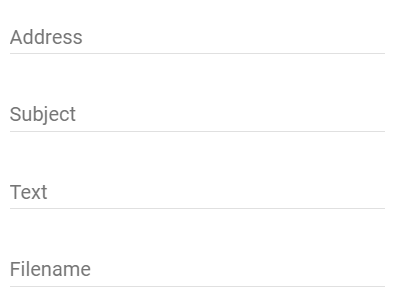
Creates a column in which form fields are displayed one below one another. This is particularly useful for dynamically adapting the content.

This item is not supported by the Legacy Console. If a module with this element is opened in the legacy console, all the elements contained are displayed one below the other in the form.
Parameters
| Parameter | Description |
|---|---|
| halign (optional) | (default: "left") Horizontal alignment of the elements within the column (since Symcon 9.1) "left": The elements are aligned to the left "center": The elements are centered "right": The elements are aligned to the right |
| items | List of configuration items within the column |
| name (optional) | Name of the column |
| type | ColumnLayout |
| valign (optional) | (default: "") Vertical alignment of the elements within the available height, e.g., if the column is placed in a RowLayout next to a higher column. If the parameter is set, the column uses the full available height (since Symcon 9.1)
"": The column is as high as its content and is aligned according to the parameter valign of the surrounding RowLayout
"top": The elements are aligned to the top
"middle": The elements are aligned to the middle
"bottom": The elements are aligned to the bottom
"between": The elements are distributed over the height, the first element at the top and the last one at the bottom |
| visible (optional) | (default:true) If true, the column is visible, otherwise it is invisible |
Example
// column layout
{
    "type": "ColumnLayout",
    "items": [
        {
            "type": "SelectLocation",
            "name": "Location",
            "caption": "My Location"
        },{
            "type": "Button",
            "caption": "Test",
            "onClick": "TM_Update($id);"
        },{
            "type": "Button",
            "caption": "Test2",
            "onClick": "TM_Update2($id);"
        }
    ]
}